
Weighplate smart nutrition tracking
Digital Kitchen Scale You Can Eat From
Weighplate combines a food-safe plate and a digital kitchen scale in one. Serve your meal directly onto the plate, see its weight, connect to the Weighplate app and eat from the same surface—without transferring food between a separate scale, bowl and plate.
It is a practical smart food scale for people who want clearer portions and an easier way to track calories, protein, carbohydrates and fats.
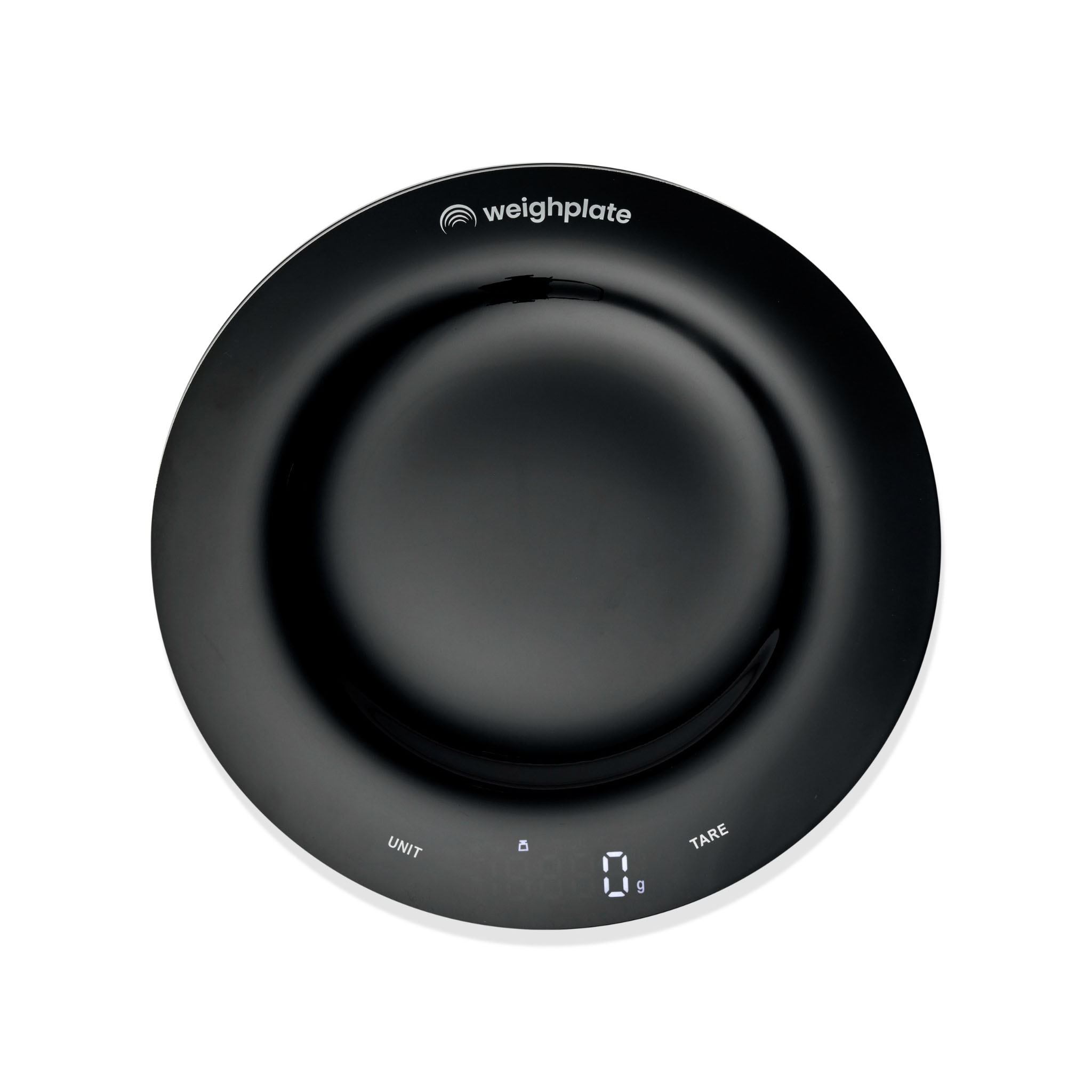
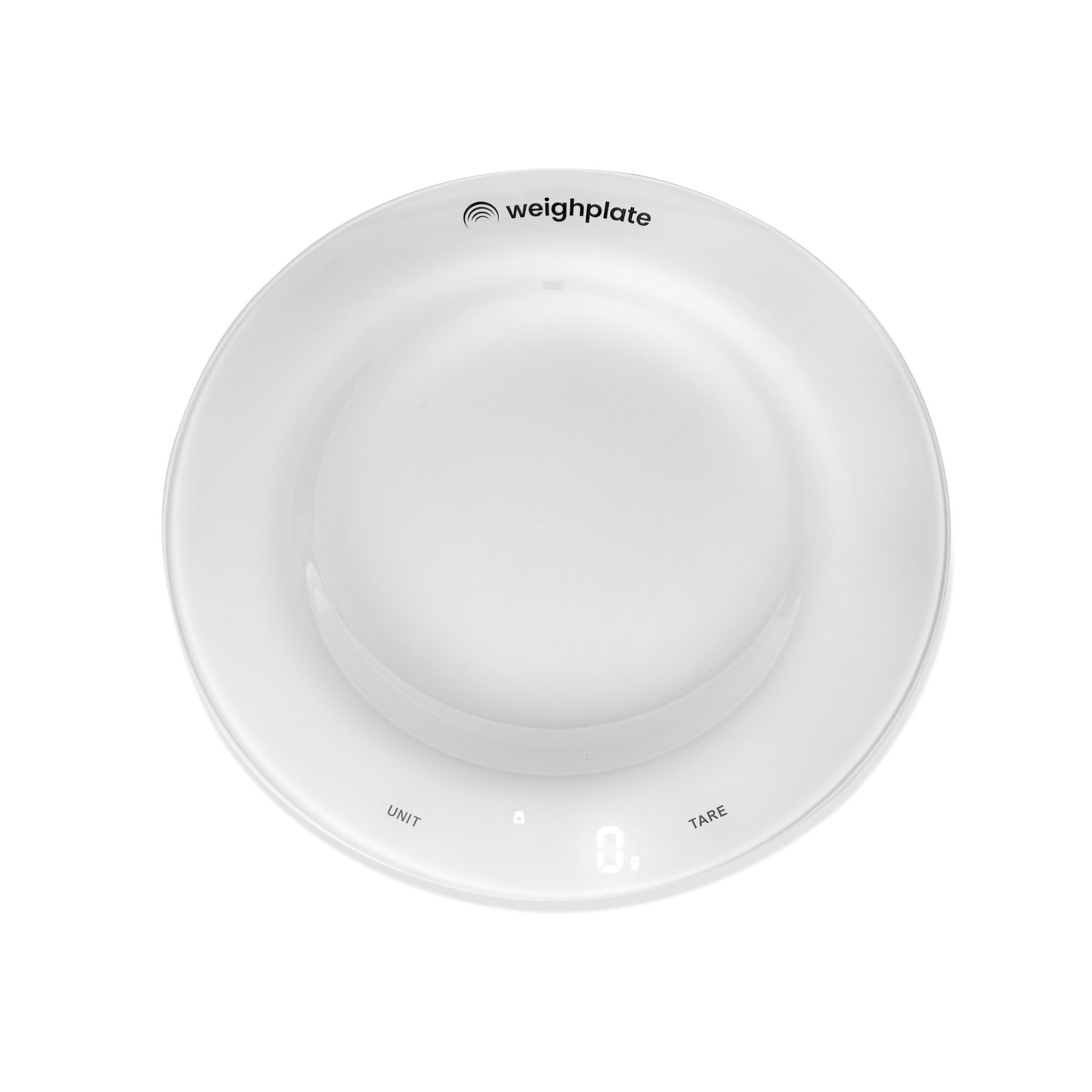
Built into the plate
A digital kitchen scale without the extra transfer
A traditional kitchen scale gives you a weight, but it normally adds another step: weigh the food, move it to your plate and then record the amount. Weighplate places the weighing surface where you already eat.
The built-in scale measures food to 1 g precision, with a capacity of up to 5 kg. Weight data connects to the Weighplate app through Bluetooth. After you select the food you are eating, the app uses the measured amount to display nutrition information in real time.
Weigh, eat and track from one plate
- Built-in digital food scale
- 1 g weighing precision
- Up to 5 kg capacity
- Bluetooth app connection
- Rechargeable USB-C battery
- Available in black or white
Digital kitchen scale comparison
Weighplate vs kitchen scales and calorie tracking apps
Compare how Weighplate combines food weighing, an eating surface and app-connected nutrition tracking in one system.
| Feature | 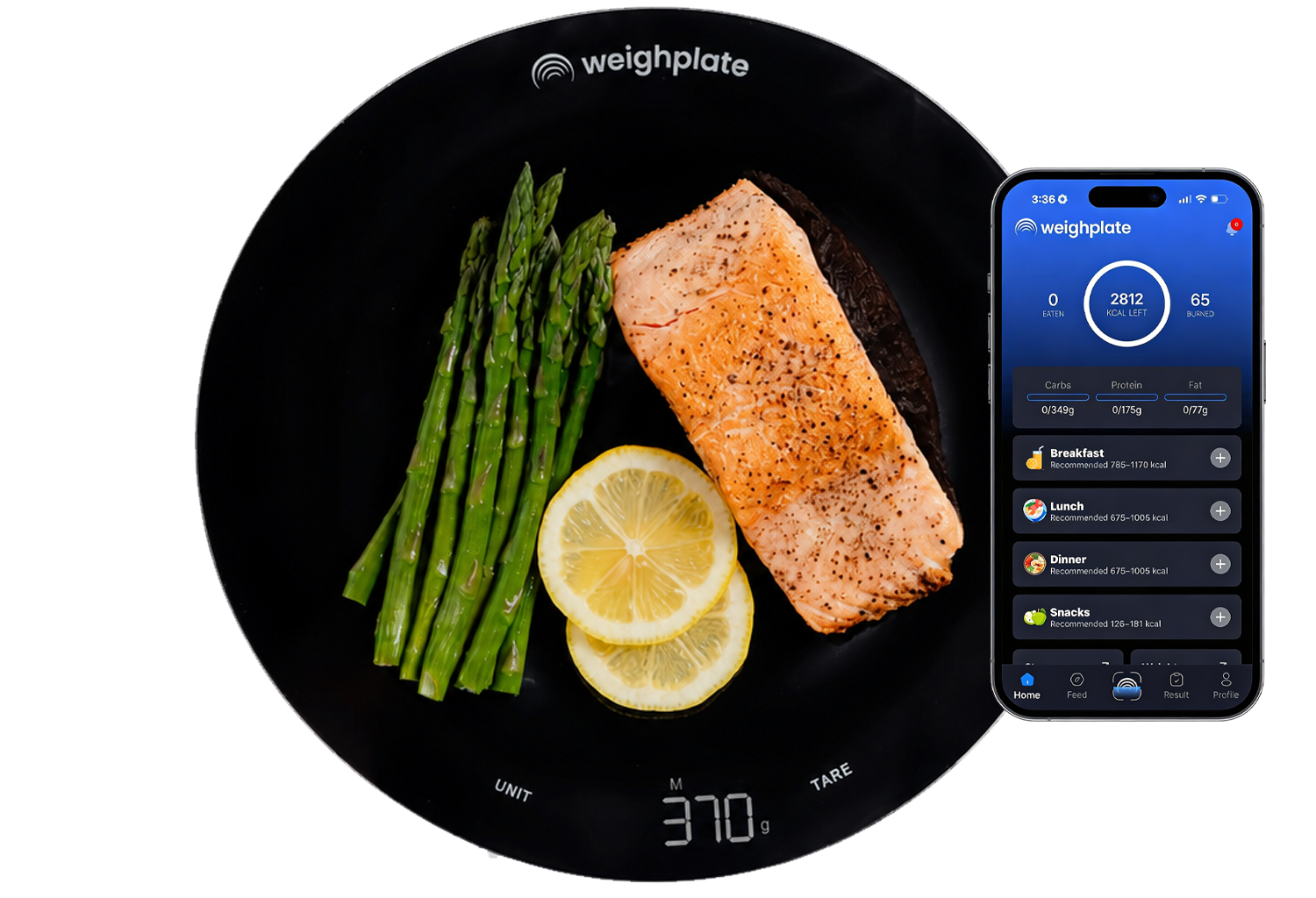  | 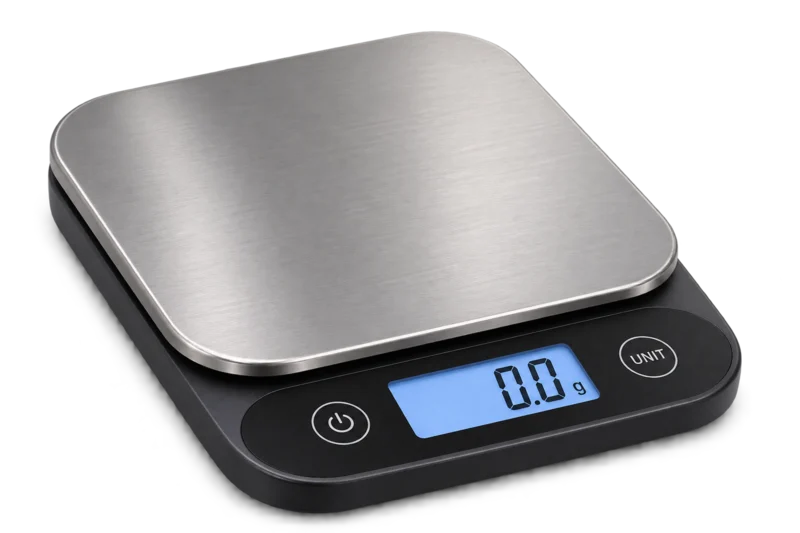 Kitchen Scales | 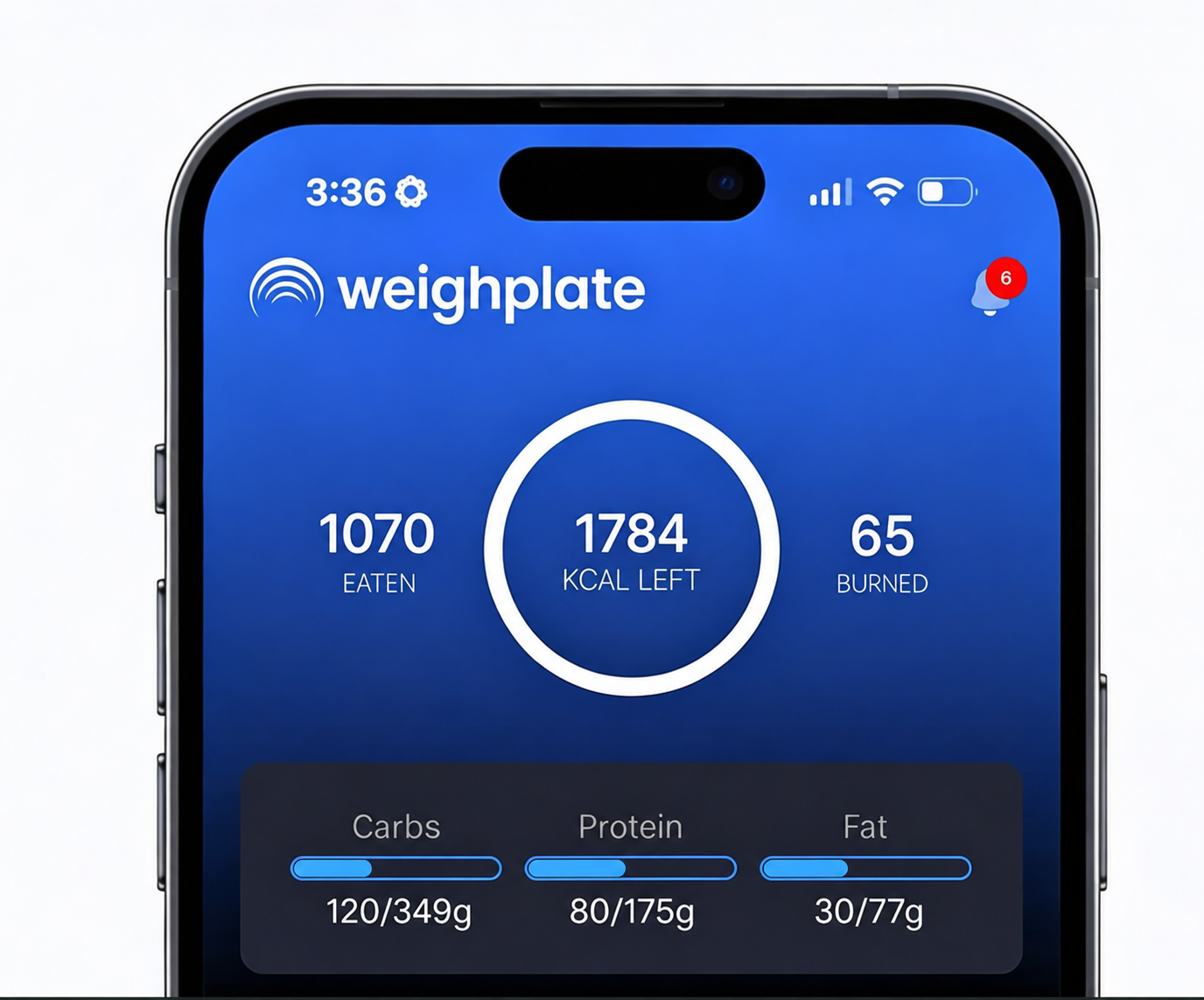 Calorie Apps |
|---|---|---|---|
| Measures real food weight | ✓ | ✓ | × |
| Food-safe eating surface | ✓ | × | × |
| Eat directly from the weighing surface | ✓ | × | × |
| Displays measured food weight | ✓ | ✓ | Manual entry or compatible device |
| Links weight with the selected food | ✓ | × | Manual entry or compatible device |
| Shows calories and macros for recorded food | ✓ | × | ✓ |
| Plate and scale in one | ✓ | × | × |
Nutrition and macro tracking plate
See portions, calories and macros more clearly
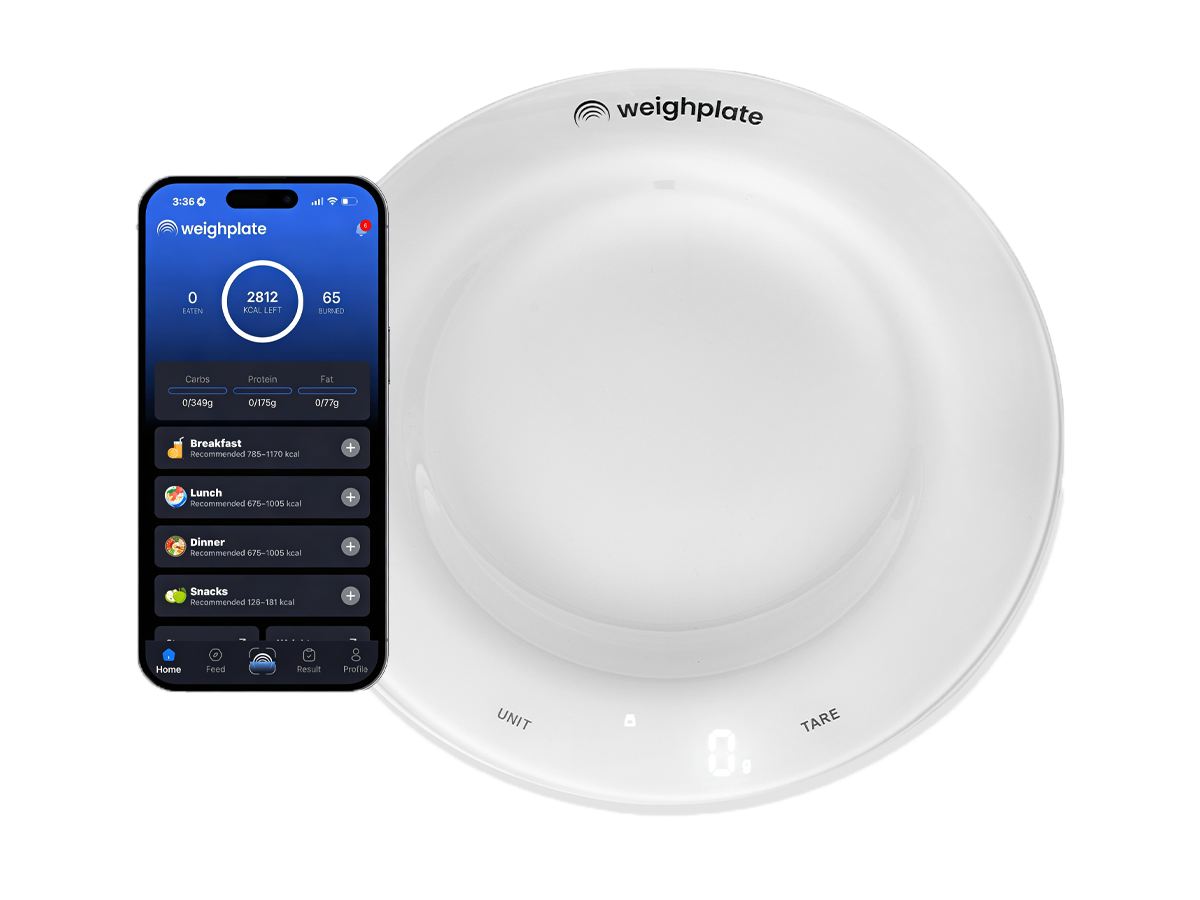
Weighplate is more than a digital kitchen scale. It is a nutrition tracking plate that connects the measured weight of your meal with the food you select in the app. This helps you understand portion size and view calories, protein, carbohydrates and fats without manually transferring the weight into a separate tracker.
Calorie tracking
Serve food on Weighplate and review calories for the selected food and measured amount in the app.
Macro tracking
See calories eaten and remaining, plus progress towards carbohydrate, protein and fat targets.
Portion awareness
Build your meal directly on Weighplate and see the portion weight beside the app.
Four simple steps
How the Weighplate smart food scale works
Step 1
Download the app
Install the Weighplate app on your compatible smartphone.
Step 2
Connect the plate
Pair Weighplate with the app using Bluetooth.
Step 3
Select your food
Search, scan or use the available photo option to identify what you are eating.
Step 4
Track your meal
Serve your food and view weight, calories and macros in the app.
Digital kitchen scale for everyday meals
Who can use a macro tracking plate?
Weighplate is designed for people who want a simpler, more accurate way to track food, calories and macros—without changing how they eat. Its built-in digital kitchen scale and connected app can support everyday meals, fitness goals and professional nutrition coaching.

Gym & Fitness
Stay consistent with tracking your food and reaching your goals.

Personal Trainers & Coaches
Help members understand portions, calories and macros with less manual food tracking.

Nutrition Coaches & Dietitians
Support clients with clearer portion tracking and real-time nutrition data.

Athletes & Competitors
Track nutrition precisely to support training and performance.

Body Composition
Improve body composition with better control over nutrition.

People on the go
Stay consistent with food tracking, even on busy days.

User-friendly tracking
Understand calories, macros and portions with less effort.

Eat smarter
See calories, macros and portions with a smarter way to track meals.

Everyday meals
Make everyday eating easier to track without changing how you eat.
Common questions
Weighplate Digital Kitchen Scale FAQs
Can you eat directly from Weighplate?
Yes. Weighplate has a food-safe plate surface, so you can weigh your meal and eat from the same plate.
Does Weighplate replace a separate kitchen scale?
For everyday meal and portion weighing, Weighplate can remove the need to transfer food from a separate kitchen scale. It measures in 1 g increments and supports up to 5 kg.
Does the plate calculate calories by itself?
The plate measures food weight. You select what you are eating in the Weighplate app, and the app uses the recorded weight to display calories and macros for that food.
Is Weighplate a calorie tracking plate and a macro tracking plate?
Yes. When connected to the app, it can show food weight, calories, protein, carbohydrates and fats for the food and amount entered.
How should Weighplate be cleaned?
Wash it gently by hand and dry it thoroughly. Do not place Weighplate in a dishwasher or microwave.
Can I buy Weighplate in Australia?
Yes. TransformFit Health sells Single, x2 and x3 Weighplate options, with Australia-wide delivery information shown on each product page.
Choose the Weighplate that suits you
Start with one smart nutrition tracking plate or compare the two-plate and three-plate options.